

Each project has exactly one owner.
Inviting
On Members, enter an email address, choose admin or developer and send the invite. The invitee gets an email with a link that’s valid for 7 days. They sign in (creating an account if they don’t have one) and accept.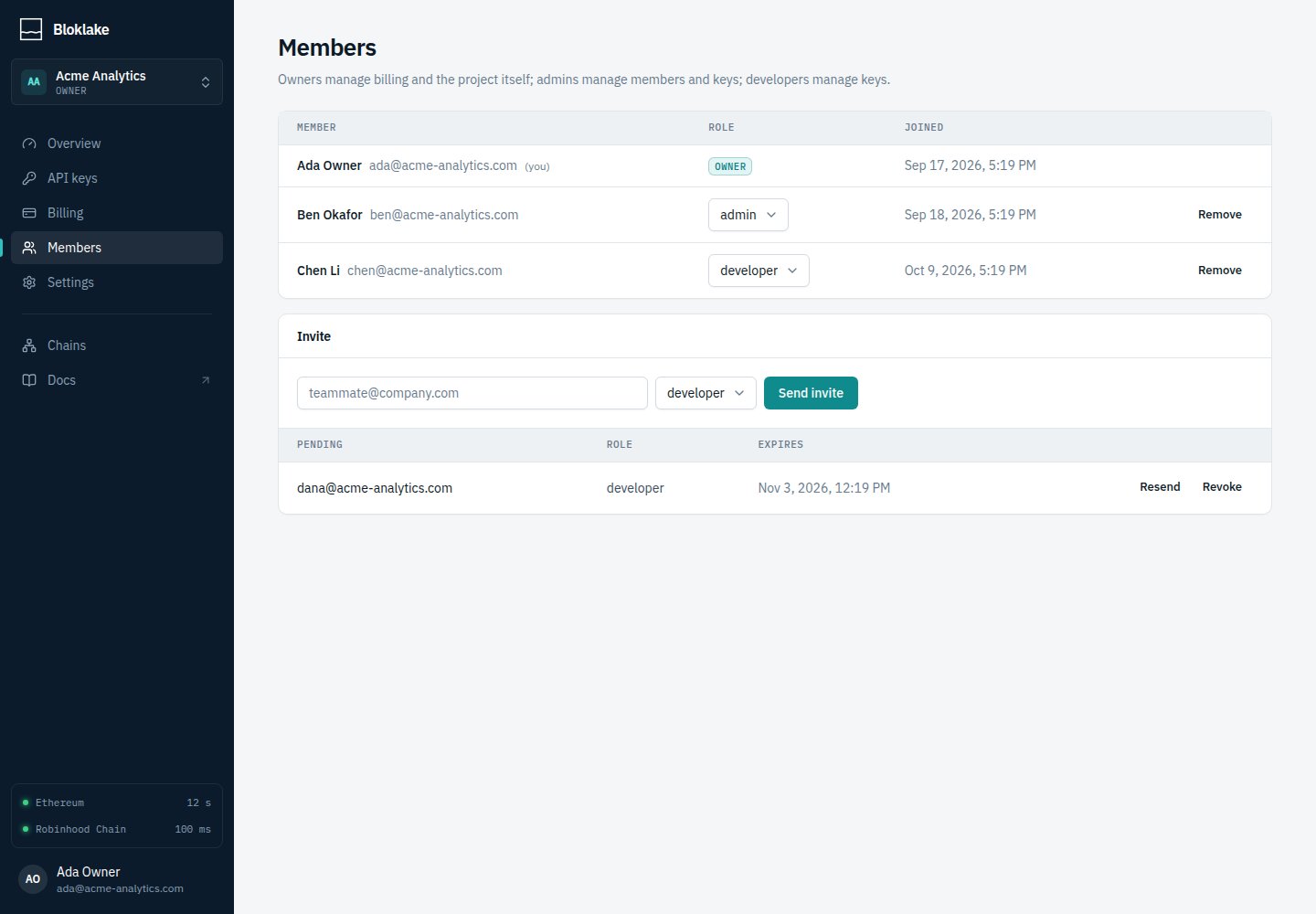
Leaving and removing
- Admins can remove members; anyone except the owner can leave a project.
- To leave a project you own, transfer ownership first (Project settings).
Emails
Billing emails go to the project’s admins and owner:- pay-as-you-go: when the balance drops below the low-balance threshold;
- subscriptions: at 80% and 100% of the included data, at 80% and 100% of the overage limit, and when a payment fails.